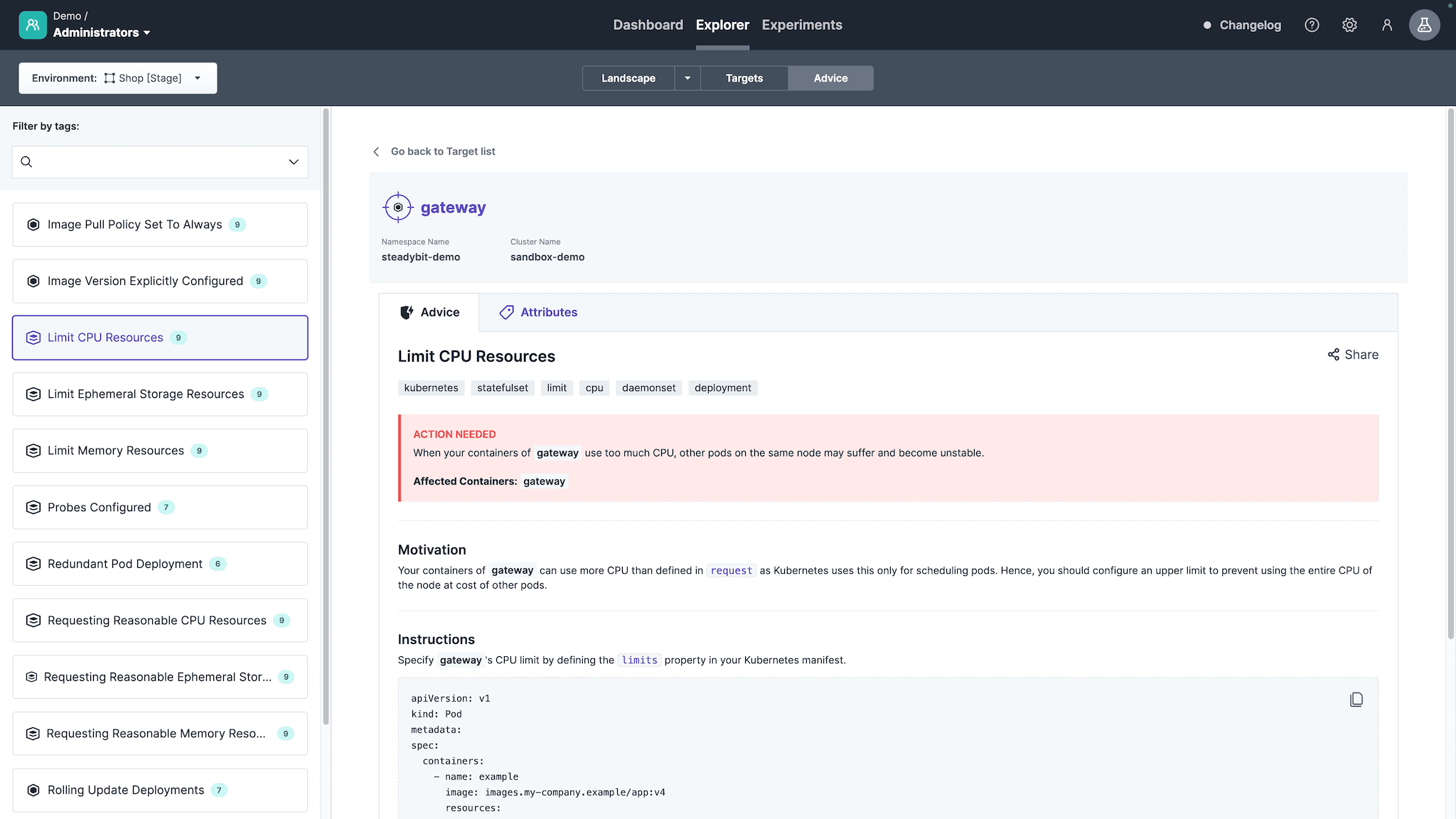
The advice is in the state 'Action Needed', which requires configuration changes.
Introduction
Validates whether you limit the maximum allowed CPU usage for your Kubernetes resources. Limiting CPU usage prevents utilizing the entire available CPU, which may cause stability issues for other Kubernetes resources.
Supported Advice States
Action Needed
Automatically discovers whether all Kubernetes container's resources.limits.cpu are configured. The discovery is performed by the open-source library kube-score and integrated into this advice.
Validation Needed
Asks you to validate with an automatically created experiment that provided features work as expected, fail gracefully, workload resources scale up or monitoring alerts while consuming a lot of CPU.
If the target is associated with a service, the experiment automatically includes a service validation step. This makes it easy to judge whether the service behaves as expected from a user’s perspective.
If you do not use Steadybit’s service feature, you can require the user to provide additional validations via a wizard when creating the experiment.
For that, you need to tag your Kubernetes targets with the label tags.steadybit.com/service-validation and one of the following values:
http: Run an HTTP check on a GET endpoint
k6: Run a k6 load test
gatling: Run a Gatling load test
jmeter: Run a JMeter load test
If none of these options apply, the experiment will include a TODO step prompting you to add custom validation logic for your service.
Implemented
Once the Kubernetes container's specification resources.limits.cpu configures a value that was marked as validated.
Disabling Advice
Every advice is automatically active as described in extension-kubernetes#configuration.
You can also activate advice individually, using for this advice, the identifier com.steadybit.extension_kubernetes.advice.k8s-cpu-limit.
Start Using Steadybit Today
Get started with Steadybit, and you’ll get access to all of our features to discover the full power of Steadybit. Available for SaaS and on-prem!
Are you unsure where to begin?
No worries, our reliability experts are here to help: book a demo with them!



 Go back to list