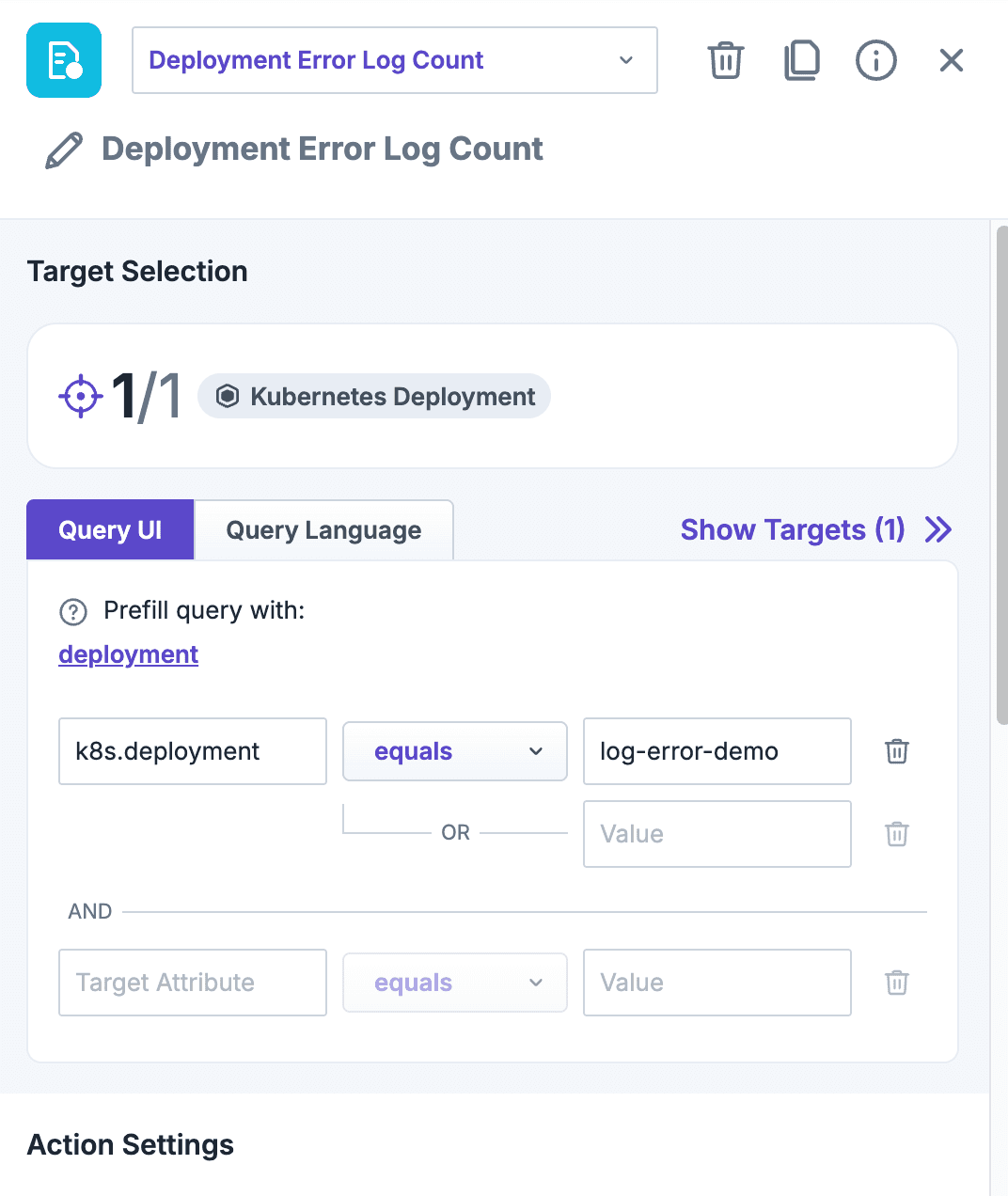
Experiment editor: the Deployment Error Log Count check targeting one deployment, selected in the query editor.
Introduction
The Deployment Error Log Count check counts the error log lines of a Deployment's pods while an experiment step runs, shows them per pod in a chart, and can fail the step when there are too many. It answers the question SREs ask during an attack or right after a deployment: are my error logs going up?
Only the counts are reported to Steadybit. The log lines themselves never leave the cluster.
Use Cases
Watch whether an attack makes a service log errors, even when it keeps responding
Fail an experiment when a deployment logs more errors than an acceptable maximum
Verify that a rollout doesn't introduce new errors: pods created during the step are counted too
Compare error logs before, during and after an attack
Prerequisites
The extension needs get permission on pods/log. The Helm chart grants it; without it, the check is not offered.
The application logs to stdout/stderr, as kubectl logs shows them. Logs written to files inside the container aren't counted.
Parameters
Parameter
Description
Default
Duration
How long the error logs are counted. Lines logged before or after the step are ignored.
60s
Fail when
Never (visualize only), total error count > max (all pods together), or error count of any pod > max.
Never
Max error count
The threshold for Fail when. 0 means any error line fails the step.
0
Error pattern
Regular expression (RE2) marking a line as an error. The default matches error, fatal, panic, critical and ...Exception (case-insensitive) in plain-text, logfmt and JSON logs.
see description
Ignore pattern
(optional) Regular expression for lines never counted as errors, e.g. a noisy health check.
Container name
(optional) Count only this container, e.g. to leave out a sidecar such as istio-proxy.
all containers
Fail early
Fail as soon as the threshold is exceeded instead of at the end of the step.
off
Details
The extension follows the logs of each running container of the deployment's pods with one live stream (like kubectl logs -f) and counts the matching lines. Every 2 seconds the error and line counts per pod are reported as metrics and shown in the Kubernetes Error Log Count chart, with a selector to switch between pods. Points turn red once the max error count is exceeded. Containers that restart during the step are counted across restarts, and native sidecars are included.
To protect the Kubernetes API server and the extension, three limits apply. Cluster operators can change them in the Helm chart:
Limit
Helm value
Default
Containers per step
logErrorCount.maxContainersPerStep
20
Containers across all running steps
logErrorCount.maxConcurrentStreams
40
Log volume across all running steps
logErrorCount.maxLogMiBPerSecond
10 MiB/s
A step targeting more containers than allowed refuses to start. When the log volume budget is exceeded, the step reading the most stops counting and reports a warning. If logs couldn't be fully counted and a threshold is set, the step ends as errored instead of passing, since the result can't be verified.



 Check
Check Go back to list